
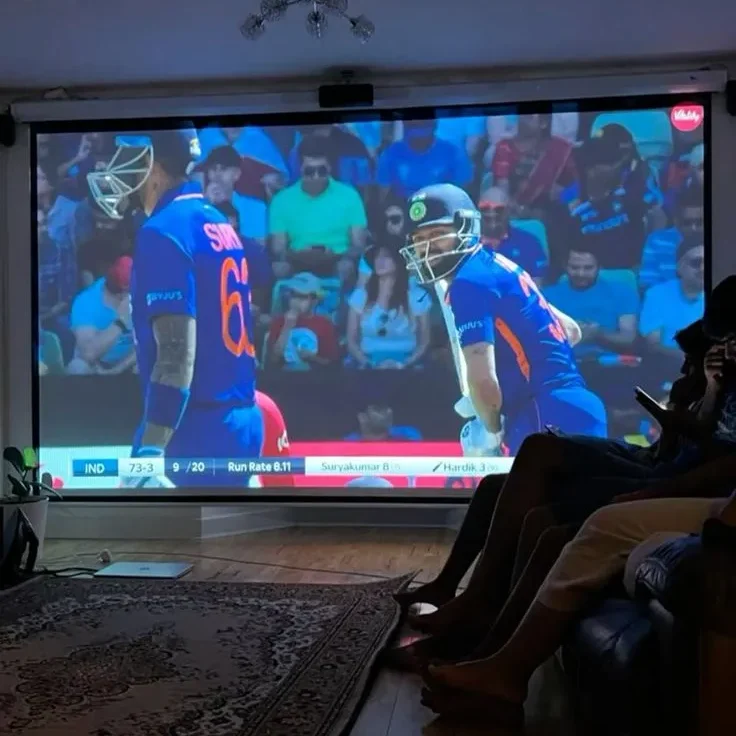
Choosing the best IPTV subscription can feel confusing. There are hundreds of IPTV providers, prices are all over the place, and it’s hard to know which service will actually work on your TV. This buyer’s guide shows you exactly what to check before you pay, so you can enjoy internet protocol television without buffering, broken channels or wasted money.
What Is an IP TV Subscription?
An IP TV subscription gives you access to live TV channels, movies and on-demand shows over your internet connection. You pay a provider, receive your login details, and watch through a player app on your smart TV, phone, tablet or streaming box. There is no satellite dish and no cable contract.
7 Things to Check Before You IPTV Subscribe
1. Is the content licensed?
This is the most important question. Make sure the provider has the rights to the channels and shows it offers. Unlicensed services can vanish overnight, take your money with them and may carry legal risk depending on where you live.
2. Does it work with your app?
Most people watch through IPTV Smarters Pro or TiviMate. Before you subscribe, confirm that the service supports login details or a playlist link that works with the app you prefer. A good provider will also help you set it up.
3. How stable are the streams?
Live sports and big events put the most pressure on servers. Look for a provider that talks openly about server quality and doesn’t promise unrealistic things. A short trial is the best way to test this yourself.
4. Is customer support real?
When something stops working on a Friday night, you want a fast answer. Check that the provider offers real support by chat, email or WhatsApp, and that they actually reply.
5. Is the pricing clear?
Look for clear plan lengths, a clear number of devices and clear payment terms. Be careful with offers that seem far too cheap, or that hide renewal costs.
6. Are the channels right for your country?
Channel lists differ between the USA, Canada, the UK, Australia and the rest of Europe. Check that your favourite channels and sports are included for your region before you pay.
7. Is there a trial or refund policy?
A trial or refund policy shows that a provider is confident in its service. It lets you test picture quality on your own TV and your own internet connection.
Quick Checklist: Is This IPTV Provider Worth It?
- Licensed content and a real company behind it
- Works with IPTV Smarters Pro, TiviMate or your player of choice
- Stable streams, tested during a trial
- Responsive support
- Clear pricing and device limits
- Channels for your country
- Trial or refund policy
If a provider fails more than one or two of these points, keep looking.
IPTV Smarters Pro or TiviMate: Which App Should You Use?
Your player app matters as much as your provider.
- IPTV Smarters Pro is great for phones, tablets and beginners. It works on Android, iOS, Fire TV and many smart TVs.
- TiviMate is a favourite for Android TV and Fire TV. It has a clean TV guide and works well with a remote.
Many viewers install both and keep the one they like best. Both apps are only players, so the quality of what you watch depends on your provider and your internet speed.
What About ForeverTV and Other Names You See Online?
When you search for IPTV, you will see many names, including ForeverTV. Don’t choose based on a name alone. Run every service you find through the checklist above: licensing, app support, stability, support, pricing, regional channels and a trial. A service that passes all seven is worth considering. One that avoids your questions is not.
What Internet Speed Do You Need?
- HD: at least 10 Mbps
- 4K: 25 Mbps or more
- Multiple devices: add 5 to 10 Mbps for each extra screen
Use a wired Ethernet connection on your main TV when you can, and restart your router if you notice buffering.
How to Get Started With Meynova
Ready to stop comparing and start watching? Here is the simple way to begin:
- Visit Meynova and look at the available plans.
- Choose the plan that fits your devices and viewing habits.
- Complete your order and receive your details by email.
- Install IPTV Smarters Pro or TiviMate and enter your login details.
- Start watching live TV, movies and shows on your favourite device.
Have a question before you subscribe? Contact the team through meynova.com and get your answer first.
Frequently Asked Questions
What is the best IPTV subscription?
The best IPTV subscription is the one that offers licensed content, stable streams, real support, clear pricing and the channels you want in your country. Test it with a trial if one is available.
How much does an IP TV subscription cost?
Prices vary by provider, plan length and number of devices. Compare the full details of each plan rather than looking only at the lowest price.
Do I need IPTV Smarters Pro or TiviMate?
You need a player app, and these are two of the most popular. Which one is better depends on your device and how you like to watch.
Can I use IPTV in the USA, Canada, Australia and Europe?
Yes. IPTV works anywhere with a good internet connection, though the available channels depend on your provider and region.
How do I subscribe to IPTV?
Choose a provider, pick a plan, complete your order and receive your login details. Then enter them in your player app and start watching.
Final Thoughts
The best IPTV subscription is not the cheapest or the loudest. It’s the one that is reliable, supported and right for your devices and region. Use the checklist in this guide, test before you commit, and choose a provider you can trust. When you’re ready to subscribe, start at Meynova.